Family STEM Night Robotic Demo Project

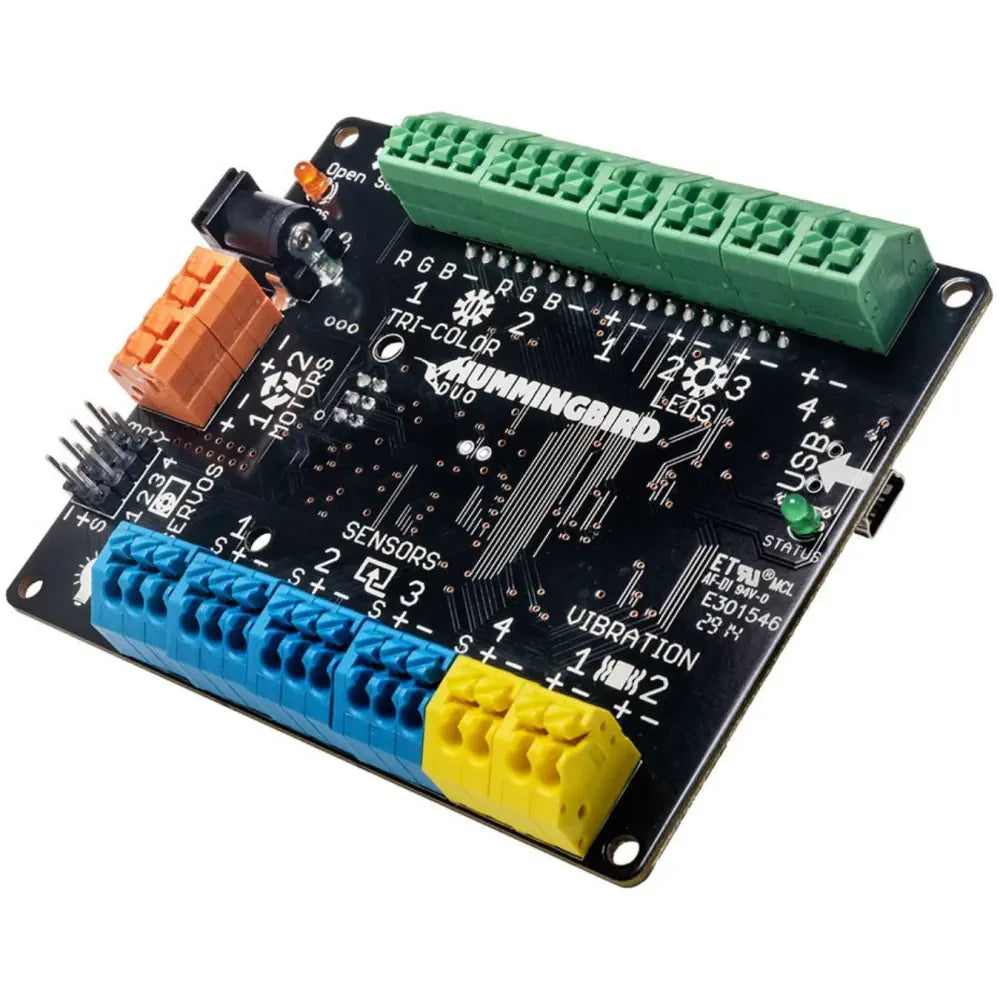
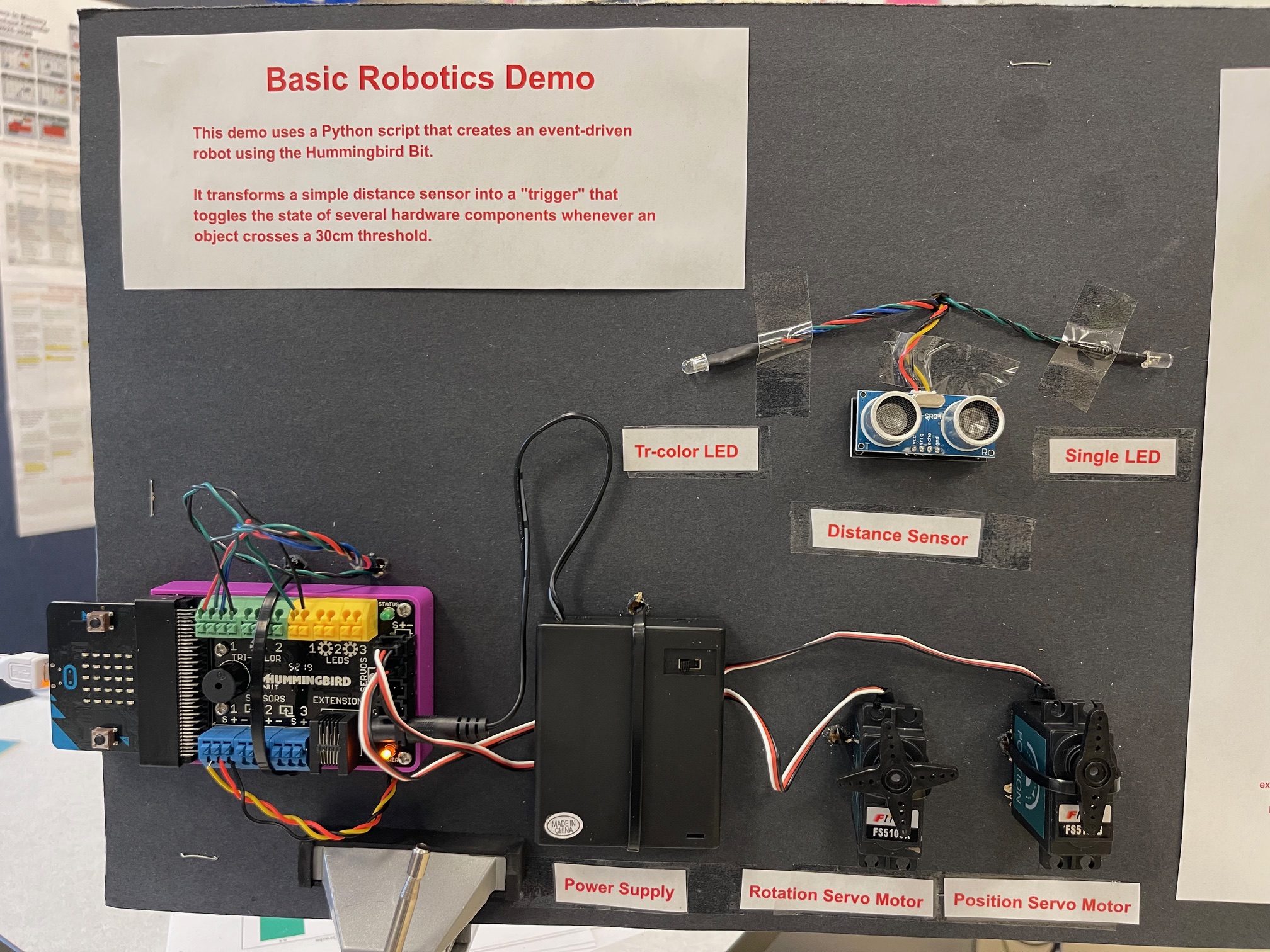
This Python script creates an event-driven robot using the Hummingbird Bit. It transforms a simple distance sensor into a "trigger" that toggles the state of several hardware components whenever an object crosses a 30cm threshold.
Core Logic: The "State Switch"
Instead of just reacting to distance, the code uses a state-tracking variable (last_state). This allows the robot to distinguish between "being near" and "just arrived." This ensures that the servos and LEDs only perform their "reversing" and "flashing" actions at the exact moment the threshold is crossed, rather than looping those actions continuously.
Hardware Behaviors
When the 30cm line is crossed (either entering or exiting):
Distance Sensor (Port 1): Acts as the primary input.
Tri-LED (Port 1): Switches between Red (object is close) and Green (object is far).
Position Servo (Port 1): Swings 180 degrees to the opposite position (like a gate opening or closing).
Rotation Servo (Port 2): Immediately reverses its spinning direction (like a wheel changing from forward to reverse).
Single LED (Port 1): Performs one quick flash to signal that a "trigger event" occurred.
The "Full Sleep": The script pauses for 1 second after a trigger. This gives the servos enough time to physically reach their new positions before the sensor starts looking for the next movement.
Summary of Flow
Monitor: Constantly check the distance sensor.
Detect: Compare current distance to the 30cm limit.
Act: If the limit was just crossed, flip the state of all servos and the Tri-LED.
Pause: Wait 1 second to stabilize before resuming the monitor.
Full Python Script
from BirdBrain import Hummingbird
from time import sleep
myBird = Hummingbird('A')
# Configuration
threshold = 30
last_state = "far"
current_direction = 100
current_angle = 0        # Track the position servo angle
print("System Active. Monitoring Port 1 Distance Sensor...")
try:
    while True:
        distance = myBird.getDistance(1)

        # Check if we crossed the threshold (either direction)
        if (distance <= threshold and last_state == "far") or (distance > threshold and last_state == "close"):

            # 1. Update the 'last_state' immediately
            if distance <= threshold:
                last_state = "close"
                myBird.setTriLED(1, 100, 0, 0) # Red for close
                print(f"Trigger: Object Entered ({distance}cm)")
            else:
                last_state = "far"
                myBird.setTriLED(1, 0, 100, 0) # Green for far
                print(f"Trigger: Object Exited ({distance}cm)")
            # 2. Toggle Position Servo (Port 1)
            if current_angle == 0:
                current_angle = 180
            else:
                current_angle = 0
            myBird.setPositionServo(1, current_angle)
            # 3. Reverse Rotation Servo (Port 2)
            current_direction *= -1
            myBird.setRotationServo(2, current_direction)
            # 4. Single LED Flash (Port 1)
            myBird.setLED(1, 100)
            sleep(0.2)
            myBird.setLED(1, 0)
            # 5. The "Full Sleep"
            # This pauses the code for 1 second so the servos have time to move
            sleep(1)
        sleep(0.05)

except KeyboardInterrupt:
    myBird.stopAll()
    print("\nProgram stopped.")
Video